
How to Search Cases by Name
Open the Clerk's Case Access page and choose Common Pleas or County Municipal. The choice depends on where the case was filed. Common Pleas is the starting public search for general civil, felony criminal, domestic relations, judgment liens, execution, and appeal-related cases. County Municipal handles the other lane: traffic, misdemeanors, small claims, limited civil cases, and many local criminal matters. Treat any name result as a lead, not an answer. It firms up only when the case number, court type, party role, and current status all fit the matter you are chasing.
- Identify the court before entering a name, using Probate CaseLook or a mayor’s-court channel when the record belongs there instead of Benchmark.
- Allow the selected portal to load. The Clerk cautions against selecting the same court link repeatedly while its initial page is opening.
- Choose the Name search mode and enter the party as last name, first name, using lower-case letters because the county index is case sensitive.
- Narrow a broad result with court type, case type, party type, opened or closed date, birth year, or statute and charge fields when the portal offers them.
- Open the matching summary or View Case option when public access permits, then confirm a needed current detail with the court or clerk.
The Common Pleas public form offers the fields listed here. No field is flagged as universally required; the search mode you choose sets the meaningful starting input.
| Field label | Type | Required | Local note |
|---|---|---|---|
| Name | Radio plus text | Unspecified | Enter last name, first name; the Clerk instructs users to use lower-case letters in its case-sensitive index. |
| Case Number | Radio plus text | Unspecified | The Common Pleas tooltip gives 2004 TR 00123 as an example. |
| Citation Number | Radio plus text | Unspecified | A direct citation lookup path. |
| Vehicle tag, SAO, arresting case, or warrant | Radio plus text | Unspecified | Additional lookup paths; the tag search concerns outstanding or not-closed cases. |
| Date opened / closed | From and to date pickers | Optional | Narrows a result by filing or closing window. |
| Court type, case type, party type, division | Multi-select dropdown | Optional | Common Pleas includes Civil, Criminal, Domestic Relations, Court of Appeals, and CP Common Pleas division options. |
| Party birth year | Text | Optional | A year-only narrowing field. |
| Statutes / charges | Text with Add control | Optional | Lets a reader add one or more charge filters. |
Columbiana County Case Lookup Uses a Case-Sensitive Index
The county's lower-case instruction matters more than it looks. The Clerk states that the index is case sensitive. The Clerk also tells users to enter lower-case letters. Benchmark's own hint wants last name first. So a capitalized or reversed name can hide a Columbiana County court docket that very much exists.
Before deciding nothing is on file, check four things: spelling, filed court, search mode, and the record's age. A County Municipal traffic matter will not surface if you search only Common Pleas. An eligible Mayor's Court ticket may ride its own city route. The Clerk's Case Access warning adds that un-posted pleadings or decisions can be missing from the web result. So a thin docket search return is not the last word on what the court holds.
How to Search by Case Number
A full case number is the narrowest identifier a Columbiana County case lookup can use. The Clerk's payment materials show 2000 CC 01234. The Common Pleas Benchmark form shows 2004 TR 00123. Each example pairs a year with a case-type segment and a sequence number, separated by spaces. Copy the number exactly from the citation, notice, or prior clerk document. Do not strip the spaces or guess the type code.
Those examples do not promise that every division uses the same two-letter segment. Common Pleas and County Municipal classify records differently, and Probate runs CaseLook instead of Benchmark. When a court docket search by number fails, confirm the court itself is right. Then ask the clerk whether an older or transferred record carries another court number.
Columbiana County Case Lookup Starts With the Filed Court
One name can show up in several local systems. The filed court is the first filter in any Columbiana County case lookup. Common Pleas Benchmark covers civil, criminal, domestic relations, liens, execution, and appellate-related classifications. County Municipal Benchmark covers civil, criminal, traffic, small claims, escrow, and trusteeship classifications. For a Municipal matter, a citation, booking, warrant, or arresting-case number often beats a broad name search.
Probate matters start with CaseLook and need Probate Court confirmation for verified information. The separate Juvenile clerk holds juvenile records, which are materially restricted. A City of Columbiana traffic or ordinance case can sit in the Mayor's Court. That holds true before any transfer to County Municipal or Common Pleas. Court first, search second: that is the county's practical substitute for one all-purpose docket search page.
What a Case Search Shows
Benchmark returns an informational case index, not a certified complete file. The official e-file guide lists the result and detail items below when available. A plus sign can open a case summary. View Case opens case details where the public system permits. Anonymous access to every image, financial field, attorney block, case event, or calendar setting is not guaranteed.
| Name | The person or party associated with the result. |
|---|---|
| Party type | The displayed role, which may help distinguish a plaintiff, defendant, judge, attorney, or alias result. |
| Case number | The court’s identifying number, often the best key for a follow-up request. |
| Status | A case-condition field; confirm its meaning and date from the court record rather than assuming every closed case has the same disposition. |
| Citation number | An additional identifier that may appear for a citation-based matter. |
| Booking number | A possible result field that is distinct from the court case number. |
| E-file number | A filing-system identifier that may appear when available. |
Columbiana County Case Lookup Results Need Verification
A search result helps you locate the file and identify its court. But it does not certify the record. The Clerk says online information may omit filings or decisions that have not yet been posted. The right follow-up is the division that owns the file: Clerk of Courts for Common Pleas or County Municipal, Probate Court for probate verification, the Juvenile clerk for juvenile records, or the appropriate city court. That single call replaces hours of re-searching.
For Common Pleas files before March 1993 and County Municipal files before March 1996, contact the Clerk at 330-424-7777 rather than endlessly changing search terms. Probate data can lag at least 24 hours. The Probate Court asks anyone seeking verified information to make a request or visit. These limits explain an incomplete result. They do not prove the court has no record.
Columbiana County Case Lookup May Not Show a Recent Filing
A Columbiana County case lookup can lag behind the paper file. The Clerk's Case Access page says so plainly. New filings and decisions may not appear online until they are posted. Loading takes time too. The first court page can take seconds or up to a minute. Picking the same court link twice while it opens only slows things down. So a blank screen is not proof the record is missing. Check the court you selected and the identifier you typed before drawing any conclusion.
No fixed posting schedule exists for Common Pleas or County Municipal results. Probate is clearer. That division states a delay of at least 24 hours or longer. That delay follows a filing or judicial action. When timing matters, hold onto your latest notice or receipt. Confirm the record with the division that owns it. Never assume the online docket is current at every moment.
Columbiana County Case Lookup and Document Access Differ
Public Benchmark search does not open every filed document to every visitor. The Clerk's attorney website access request covers something narrower. It creates an approved attorney account for document viewing and e-filing. It is not a general public-record request. Under the agreement, document access reaches only cases where that attorney is counsel of record. Even then confidential documents may stay off limits.
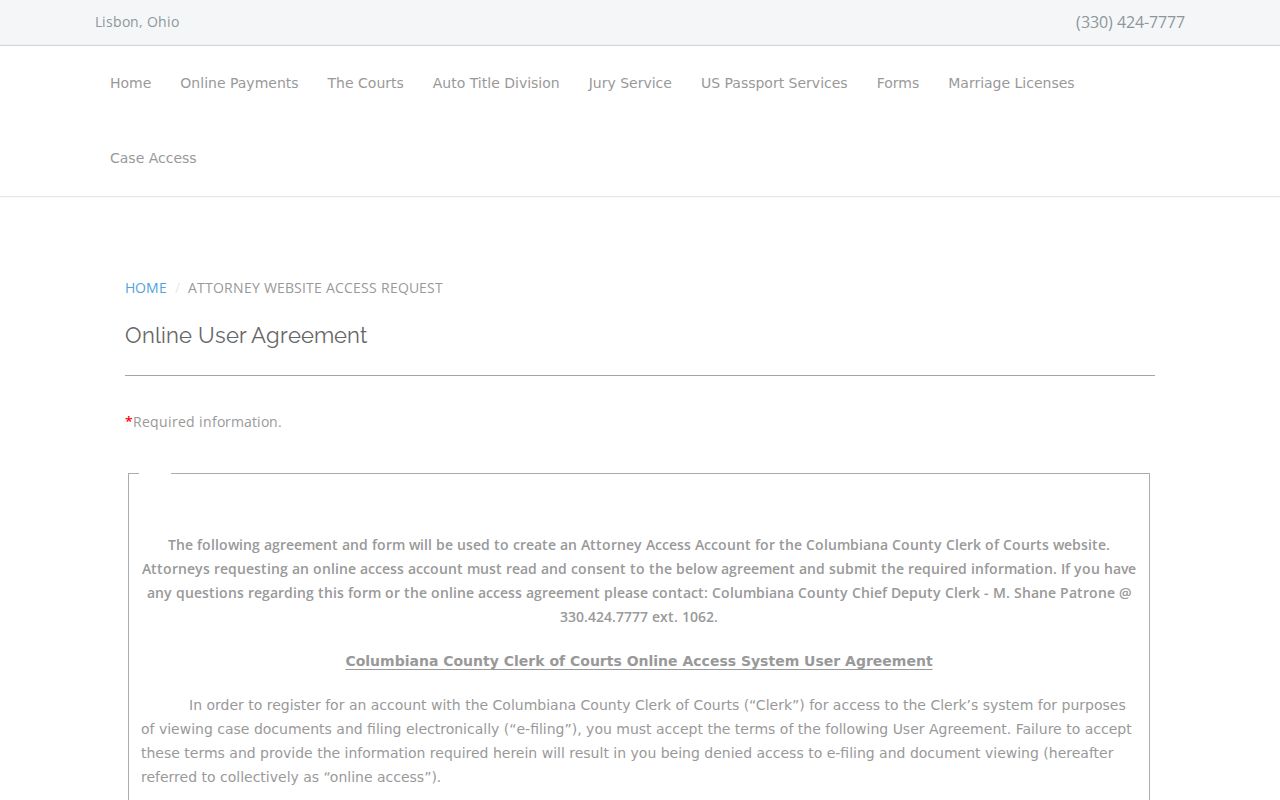
That form shows the split in practice. A public search can locate a case, yet document access turns on the court's rules and the requester's authorized role. Ask the proper clerk about a plain or certified copy instead of assuming View Case includes every filing.
County vs Statewide Case Search
Ohio has no public statewide trial-court case-search portal. The Supreme Court offers court directories, rules, and aggregated caseload tools, but none of those replaces a county's own case index. For Columbiana County matters, start with the local Case Access page and the correct division.
| Statewide layer | Columbiana County local layer |
|---|---|
| No statewide public trial-court case portal is available for an all-county name search. | Case Access directs users to Common Pleas Benchmark, County Municipal Benchmark, Probate CaseLook, and court-specific paths. |
| Supreme Court resources provide directories, rules, and aggregate reporting. | Local portals identify a specific case by name, number, citation, dates, type, role, charge, or other available filter. |
| Best for understanding the Ohio court system or finding a court. | Best for locating a Columbiana filing and then confirming it with the responsible clerk or court. |
No Ohiowide Columbiana County Case Lookup Portal
The county's split search route is deliberate. The Clerk's gateway keeps Common Pleas and County Municipal searches apart. Those court dockets carry different classifications and access paths. Probate CaseLook stands on its own. Juvenile records sit in their own office. City Mayor's Courts can add yet another starting point for local tickets and ordinance matters.
That structure also explains a common surprise: a case can change numbers. A preliminary felony file may open in County Municipal. It may later carry a Common Pleas prosecution docket. A mayor's-court case can transfer to a court of record. Search the court that now controls the file. Keep prior numbers handy as extra identifiers when you ask the clerk to trace a related record.
Columbiana County Case Lookup Number Formats
The county's online payments page shows the space-separated sample 2000 CC 01234, a handy model when you copy a case number into a local search. Treat it as an example, though. It is not a published decoding rule for every division and code.
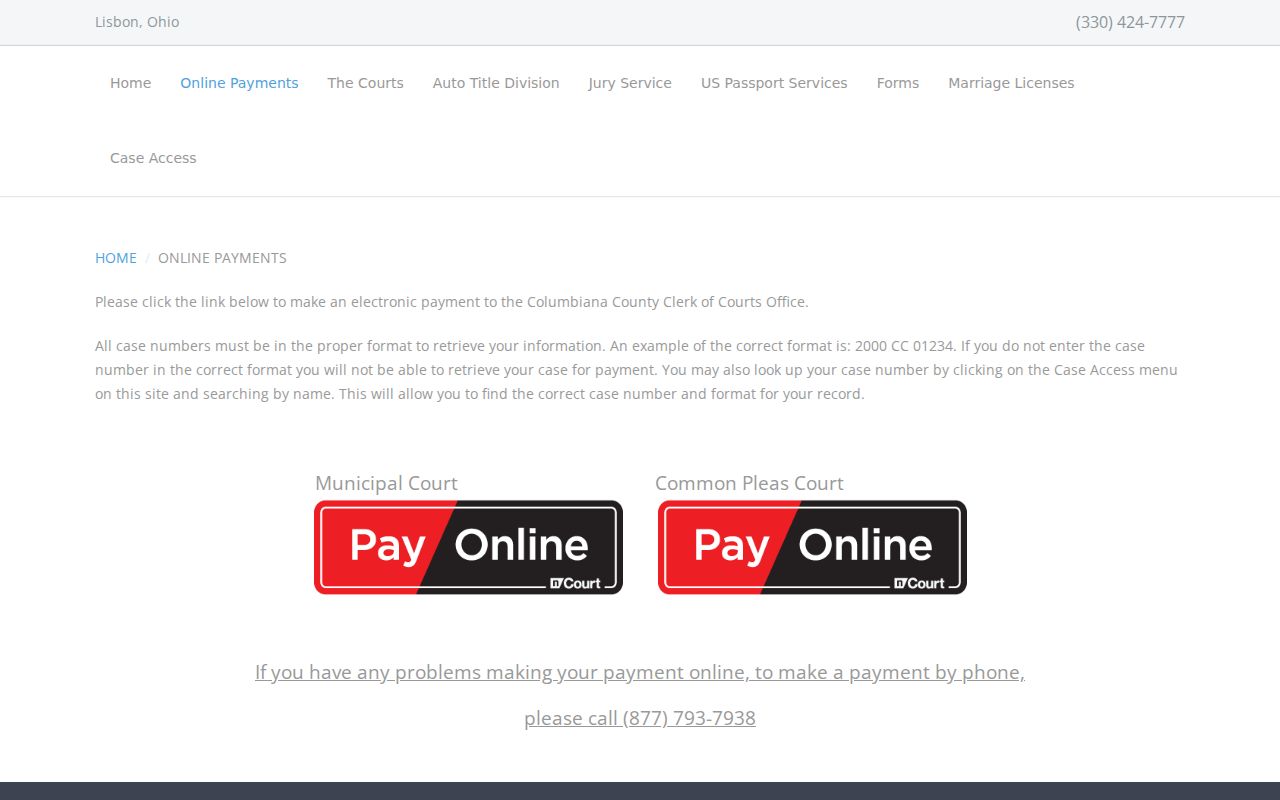
Copy the complete string exactly as printed. If a search comes back empty, try the right court system before you change any spacing, letters, or sequence number. An unfamiliar code? Ask the clerk to confirm it.
Restricted Cases and Access Rules
Public access has limits. Ordinary Common Pleas or County Municipal index information may be searchable, subject to posting delays and portal access, but a court order can seal, expunge, or restrict a case. Public searching cannot get around a seal, a redaction, or any other restriction. The county's sealing application is a court process. It is not a way to judge a particular person's eligibility from a search result.
Electronic filings may omit or redact personal identifiers. The attorney agreement names some of them: most Social Security numbers, financial account numbers, employer or employee identification numbers, and juvenile names in abuse, neglect, or dependency matters. A partial name or a missing document image does not make a record wrong.
Columbiana County Case Lookup Limits in Probate and Juvenile Matters
Probate CaseLook carries a visible notice instead of a published list of result fields. It warns that filings and judicial actions can take at least 24 hours or longer to appear. Verified information requires a request or a courthouse visit. Use CaseLook to locate a probate matter. For a verified record question, call Probate at 330-424-9516.
Juvenile records take a stricter path through the separate Juvenile clerk. The Juvenile Court clerk office page describes that administrative office. Local rules and Ohio law restrict juvenile material. No Common Pleas or Municipal name field can override that.
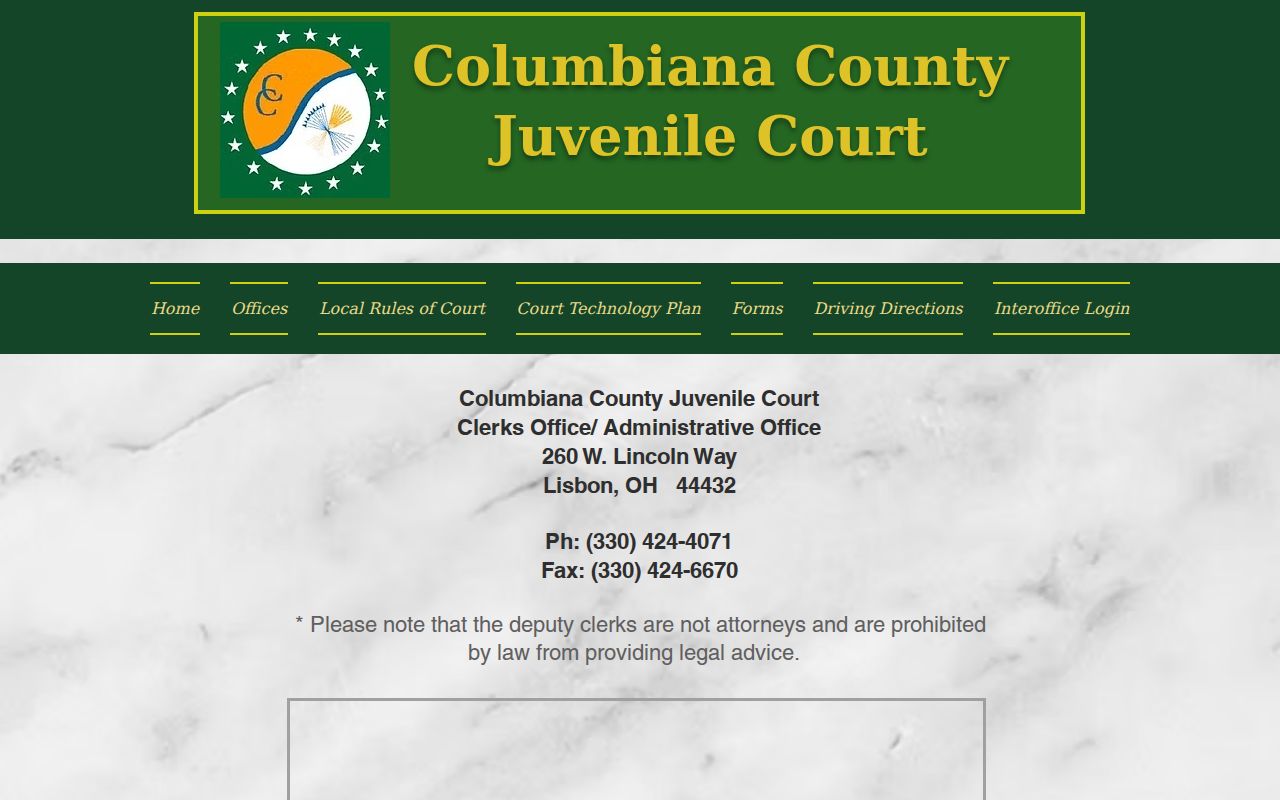
Call Juvenile at 330-424-4071 only if you are authorized to seek the record. A general search should never be used to push past a juvenile, sealed, expunged, or redacted-record boundary.